Library and sharing
What is the Library?
The Library keeps every image and video you made with Posta, plus the files you upload. Open it from Library in the sidebar.
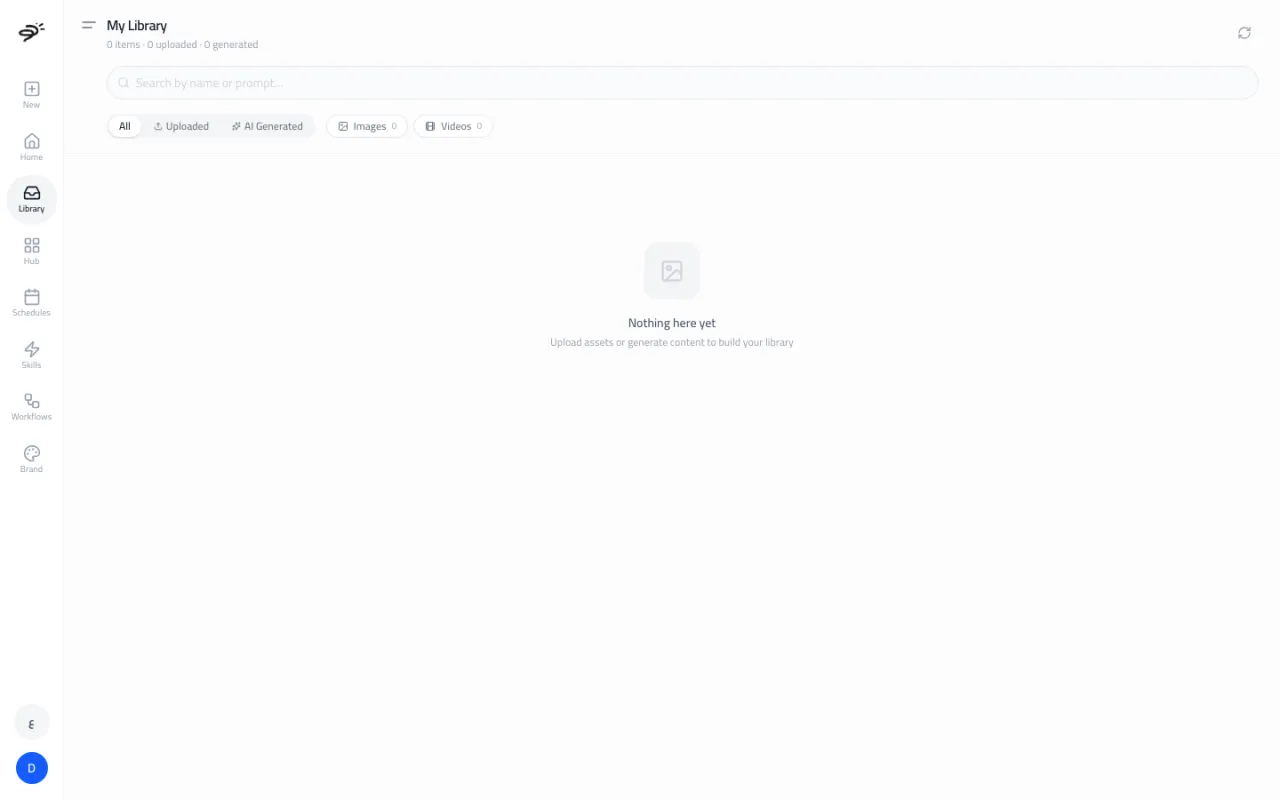
- Search by name or by the prompt you used.
- Filter by All, Uploaded, or AI Generated, and by Images or Videos.
- Open any item to see it full size and download it.
How do I share a result?
Images, videos, and reports have a share button. It creates a Posta link you can send to anyone. The person opening the link sees the result, even without a Posta account. Reports keep their tables, scores, and action lists.
How do I download?
Use the download button on any image or video in the chat or in the Library. Videos download as MP4 files, which work on TikTok, Instagram, Facebook, YouTube, and other platforms. Images download in standard web formats.
Who owns what I make?
You do. You can use every image, video, and piece of copy you create with Posta for your business, including in paid ads.
Last updated September 25, 2026