
Turn product photos into ad-ready visual concepts
Posta can remove backgrounds, explore lifestyle scenes, and prepare static or carousel directions while keeping your product and brand guidance central to the brief.
How it works
- 1
Upload & Extract
Upload standard e-commerce product shots; the AI cleanly extracts the product.
- 2
Scene Generation
Place the product in generated, photorealistic lifestyle environments.
- 3
Design Application
Uses your brand colors, fonts, and logo guidance in the visual direction.
- 4
Format Export
Prepares common dimensions for Stories, carousels, and display placements.
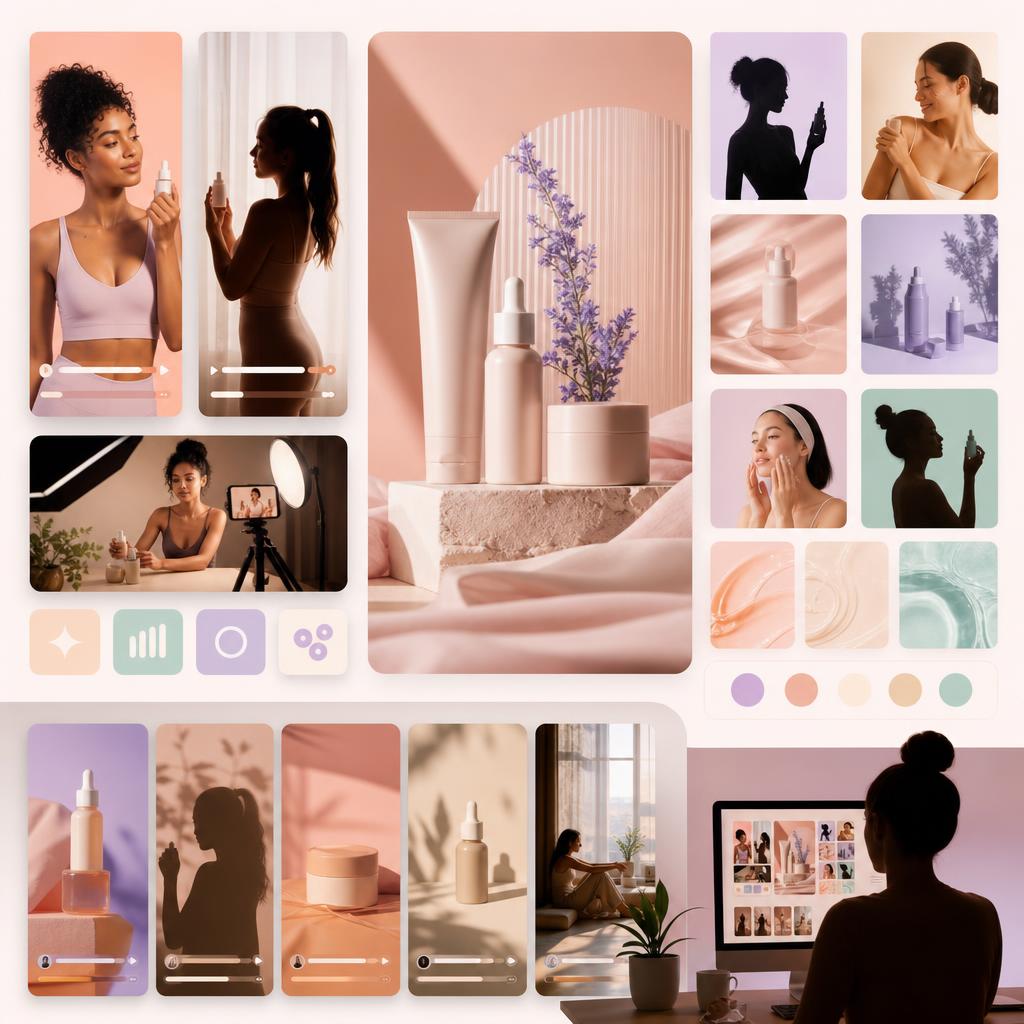
Feed your PMax campaigns
Performance Max benefits from useful visual variety. Send approved lifestyle concepts to the Google Ads workflow for campaign review.
Frequently Asked Questions
How is product accuracy reviewed?
Generated visuals should be checked against the source product for shape, color, packaging, and label accuracy before publication.
Can I do text overlays?
Yes. Copy from the ad copy generator can be layered onto visuals with proper contrast and spacing.
Can Posta deploy these assets into live campaigns?
Yes. Approved assets can flow into Posta Grow for campaign launch, testing, budget allocation, and ongoing performance optimization.
How does Posta keep generated creative on brand?
Posta learns from your storefront, product catalog, brand guidelines, and approved examples before generating assets for review.
Turn one product brief into a testable creative set
Start with your product, audience, and offer. Posta will prepare concepts you can review before they enter a campaign.
Create your first concept