
Grow: Media Buyer AI
Grow is Posta's second main agent: the Media Buyer. It builds and launches paid ad campaigns for you, and helps you manage them once they are live. Today it works with Google Ads (Search and Display campaigns). Meta Ads and other platforms are coming soon.
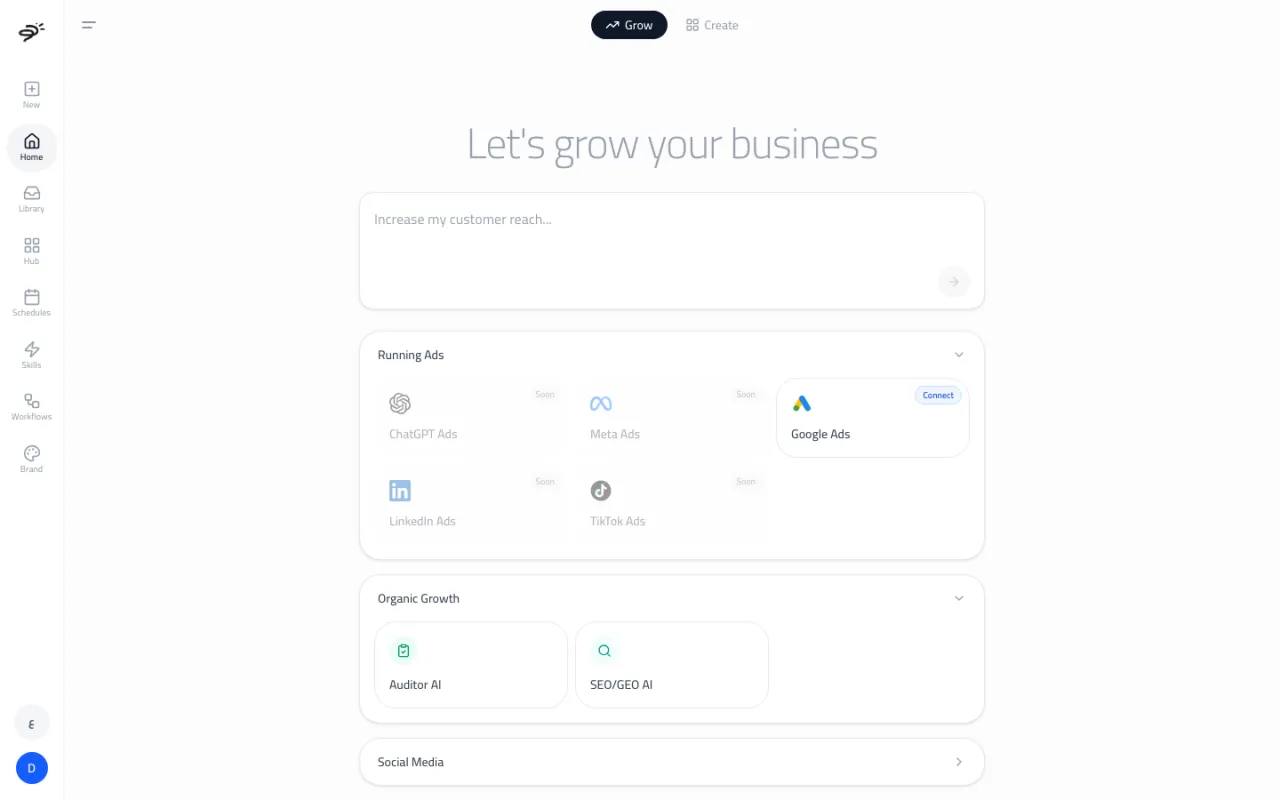
What is on the Grow tab?
- The goal box. Type what you want, like "Get more sales for my summer collection with $50 a day." This starts a chat with the Media Buyer.
- Running Ads. Your ad platforms. Google Ads is available now. ChatGPT Ads, Meta Ads, LinkedIn Ads, and TikTok Ads are marked Soon.
- Organic Growth. Quick access to Auditor AI and SEO/GEO AI.
- Social Media. Coming soon.
How do I connect Google Ads?
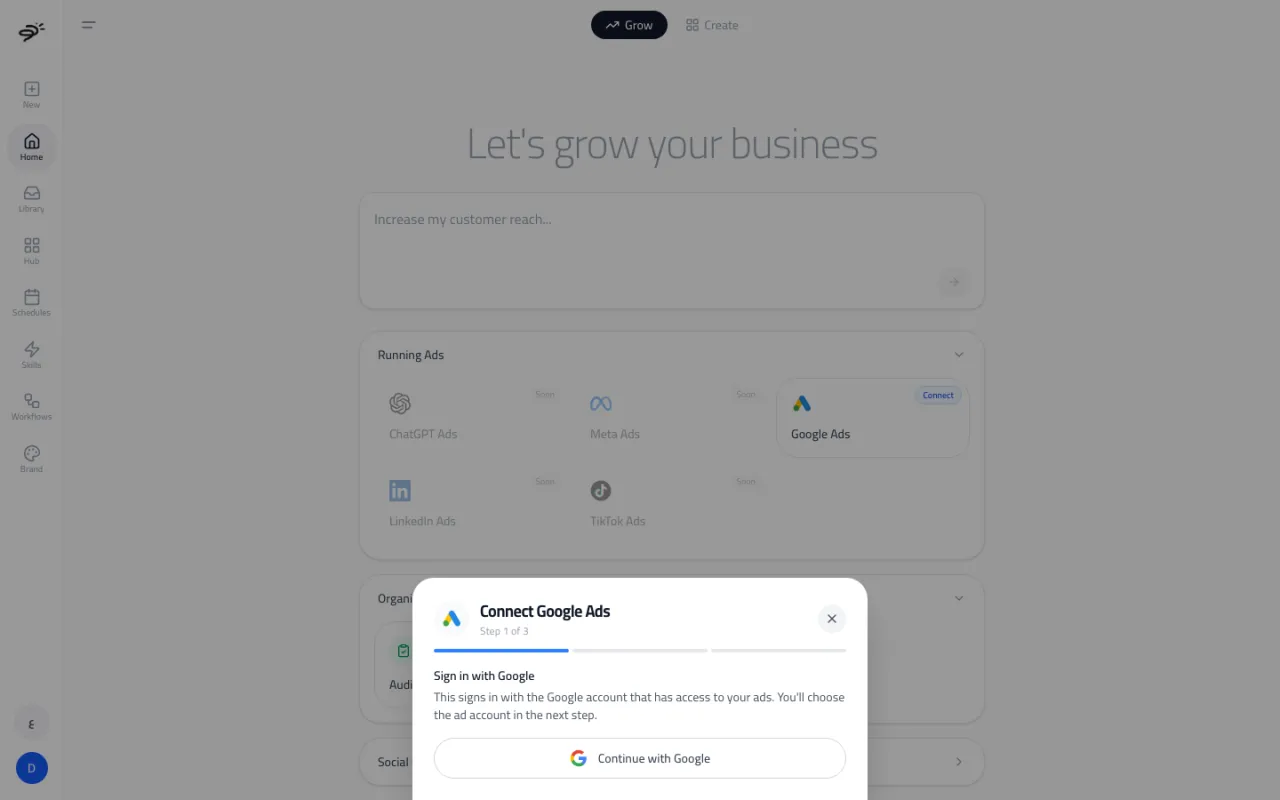
Select the Google Ads card on the Grow tab (or open it from the Hub). The connection has three steps:
- Sign in with Google. Use the Google account that has access to your ads.
- Choose the ad account. If you use a manager (MCC) account, open it to see the client accounts under it, and pick the one you want.
- Connected. You can change the account later with Change account.
How do I launch a campaign?
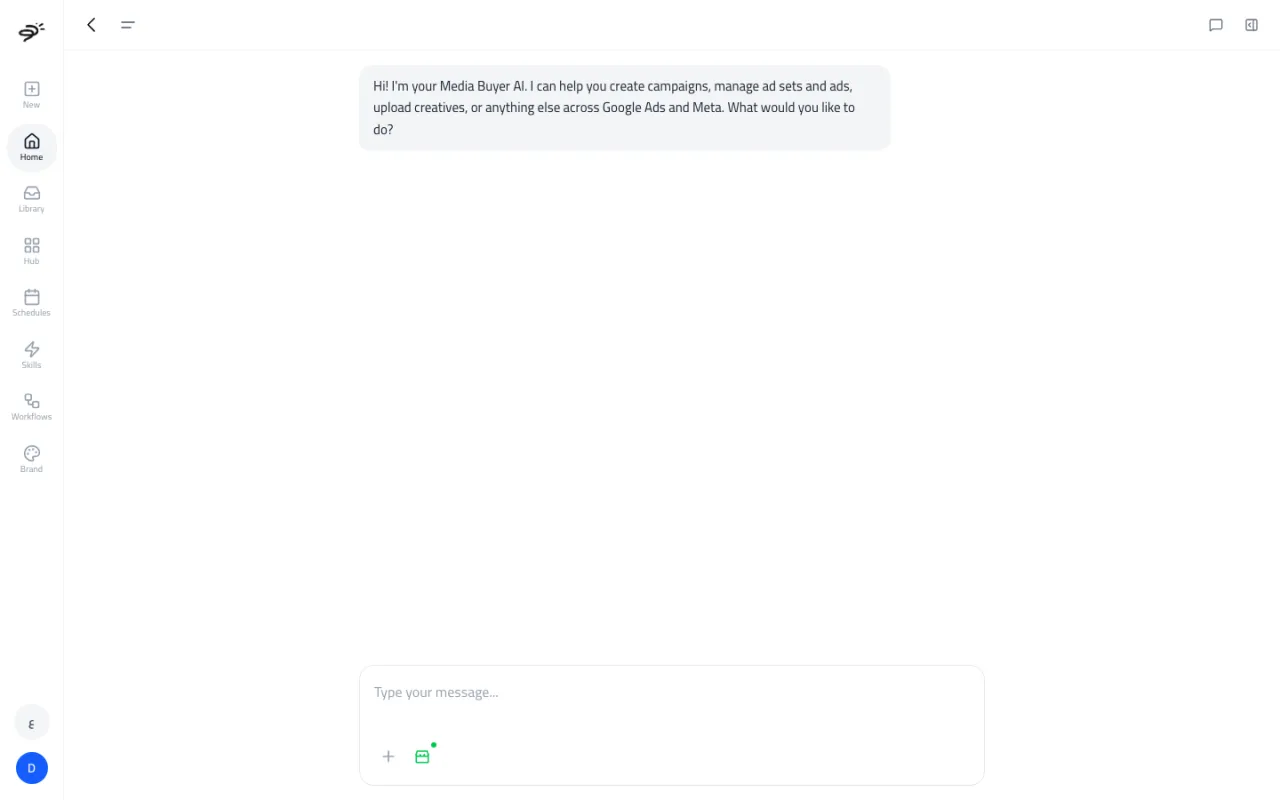
- Tell the Media Buyer what you want. For example: "Launch a Google Ads search campaign for https://yourstore.com with a $50 a day budget."
- If needed, it asks for the ad account, the campaign objective (Traffic, Conversions, Awareness, Leads, or Sales), and the daily budget.
- It reads your brand profile, your website, and your goal, then builds a full campaign plan:
- campaign structure and ad groups
- keywords and negative keywords
- ads, with up to 15 headlines and 4 descriptions each
- sitelinks
- locations to target
- bid strategy and budget
- Review the plan. To change something, use Request Changes or one of the quick buttons: Change budget, Edit keywords, Edit ad copy, Change targeting, or Add/remove campaigns.
- For Display campaigns, Posta asks you for the images to use before launch.
- When the plan looks right, approve it. Only then does Posta create the campaign in your Google Ads account. It checks each part after creating it.
What if Google Ads is not connected yet?
The Media Buyer shows a Connect card in the chat. Connect your account there, then carry on with the same chat.
How do I manage live campaigns?
Once Google Ads is connected, select the Google Ads card on the Grow tab to open your campaign dashboard. It shows each campaign with its impressions, clicks, conversions, and spend for this month. You can filter by All, Active, or Paused.
From the dashboard you can:
- change a campaign's name, daily budget, or status (active or paused), then Save changes
- Generate report for a quick performance summary
- Ask Posta a question about a campaign
You can also make these changes by asking in the Media Buyer chat, like "Pause my brand campaign" or "Raise the budget of my summer campaign to $80 a day."
Does it work on free credits?
The Media Buyer is not locked to paid plans, but starting a campaign plan needs at least 60 credits. The 50 free credits are not enough on their own, so you will need a paid plan. Your ad spend is paid to Google directly. It is not part of your Posta credits.
Last updated September 25, 2026